
Smart Directory Overview
Use this page to find the exact Smart profile, choose the matching machine, create one VM, and continue to Bench.
Ready Profiles
7
Families
1
Directory Routes
7
Machines
1
Start Coding
- Search by part number, slug, family, or OEM reference.
- Choose the matching machine for this brand.
- Create one VM in Console, then open Bench and code the injector.
Recommended Machines
These machines are the best entry points for Smart coding profiles. Pick the one that matches the injector job, create the VM, then open Bench.
Extended catalog · Lane 01
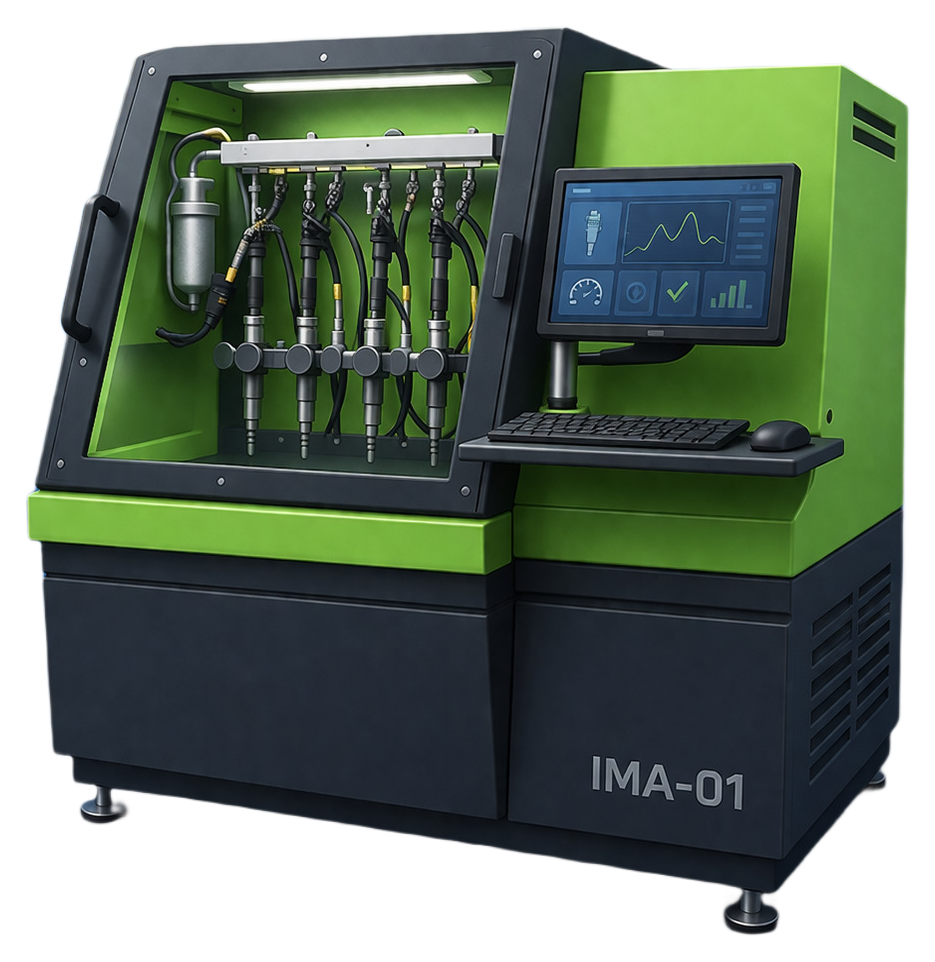
smart-ima-01
Smart · IMA / ISA · Lane 01
7 ready injector profiles
Smart profiles mapped to smart-ima-01. Create this VM in Console, then use Bench for coding.
Filters
Filters apply only to Smart. Use family chips for quick narrowing and search for part, route slug, or OEM references.
References on this page are provided for technical profile matching and compatibility checks. Profile workflows map to Injector Cloud in-house coding algorithms.
Profile Routes
Large brand catalogs are loaded in smaller result sets so the page stays fast and stable. Use search or family filters to reach the exact injector profile faster, or load more results when you need a broader scan.
Smart IMA / ISA
7 routes in this family
BEBJ1C00101
BEBJ1C00101
BEBJ1C01001
BEBJ1C01001
1905001
1905001
1905002
1905002
1972590
1972590
1972591
1972591
22282199
22282199