

Profile Overview
Confirm the part number first, then use the matching machine and Bench workflow for L'Orange VTO-G209LV51.
Brand
L'Orange
Part Number
VTO-G209LV51
Part (Compact)
VTOG209LV51
Coding Family
L'Orange IMA / ISA
Injector Family
L_ORANGE
Recommended Machine
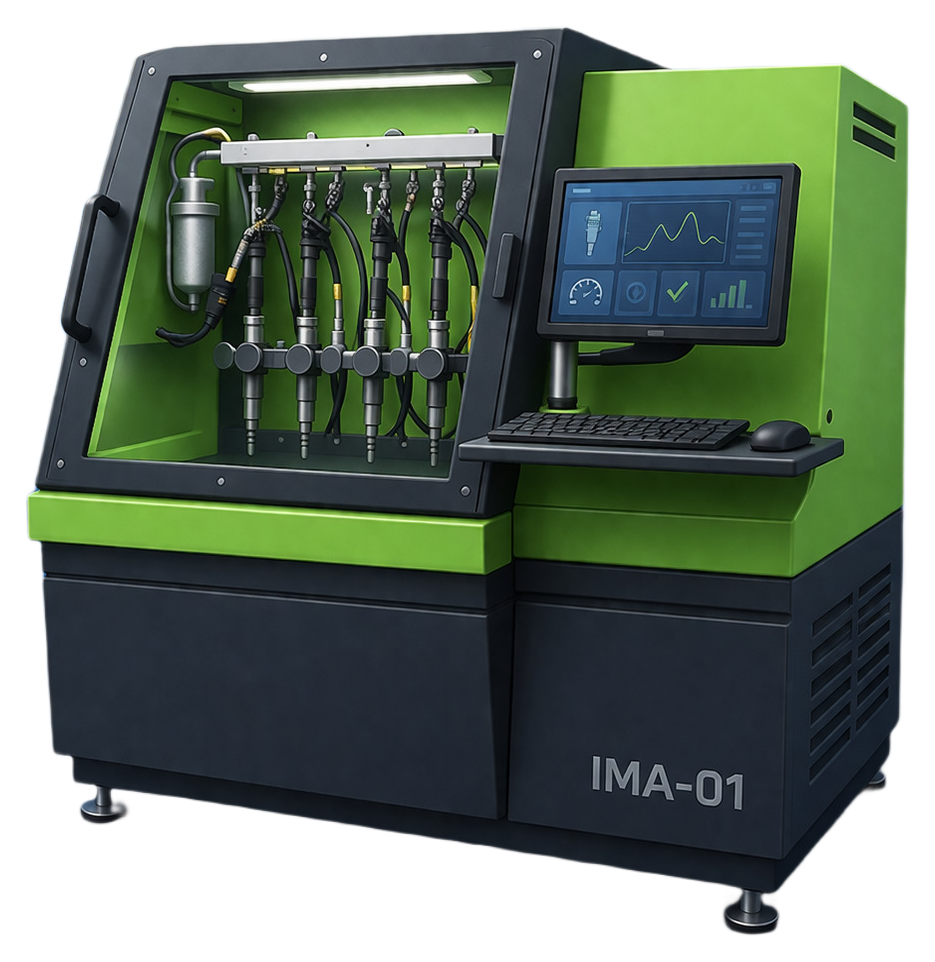
lorange-ima-01
Recommended Machine
Create or reopen one of these machines for this injector profile.
Extended catalog · Lane 01
lorange-ima-01
L'Orange · IMA / ISA · Lane 01
20 profiles
Extended catalog lane. Workflow families on this lane: IMA-7.
Part Search Terms
Use these part-number variants when searching this injector coding workflow across service tools and documentation.
Coding Guidance
Profile-specific hint
Use the Bosch CRI workflow for this exact part number.
Quality checks
- Part number on injector and selected profile must match exactly.
- Use one matching VM for the whole job.
- Keep the coding family unchanged from start to finish.
- Use validated measured values before final encode.
- Repeat verification when injector setup or bench conditions change.
Workflow
Follow this short sequence for this injector part.
Step 1
Create one matching VM
Start with lorange-ima-01. Console will open with the right injector machine selected.
Step 2
Open Bench
Select part VTO-G209LV51 and confirm the brand and coding family before entering values.
Step 3
Run decode or encode
Run the coding action and review the result before using it on the vehicle.
Step 4
Save the result
Keep the final code and part context with the job record.