
Run
Create VMConnect a wallet, choose a machine, and create a virtual machine in the console.Bench workspaceOpen the injector coding workspace after you install a machine in Console.Diesel injector codingCoding and calibration workflows across live injector families.

Documentation
Documentation
Last reviewed:
Profile Overview
Confirm identity first, then run workflow in one continuous session context. This route is intended to be the primary workflow reference for Denso 295050-046#. operations.
Brand
Denso
Part Number
295050-046#.
Part (Compact)
295050046
Coding Family
Denso QR
Injector Family
DENSO_QR
Recommended VMs
denso-qr-01, denso-qr-02
OEM References
7
Recommended Virtual Test Benches
Use one of these virtual machines for coding this injector profile.
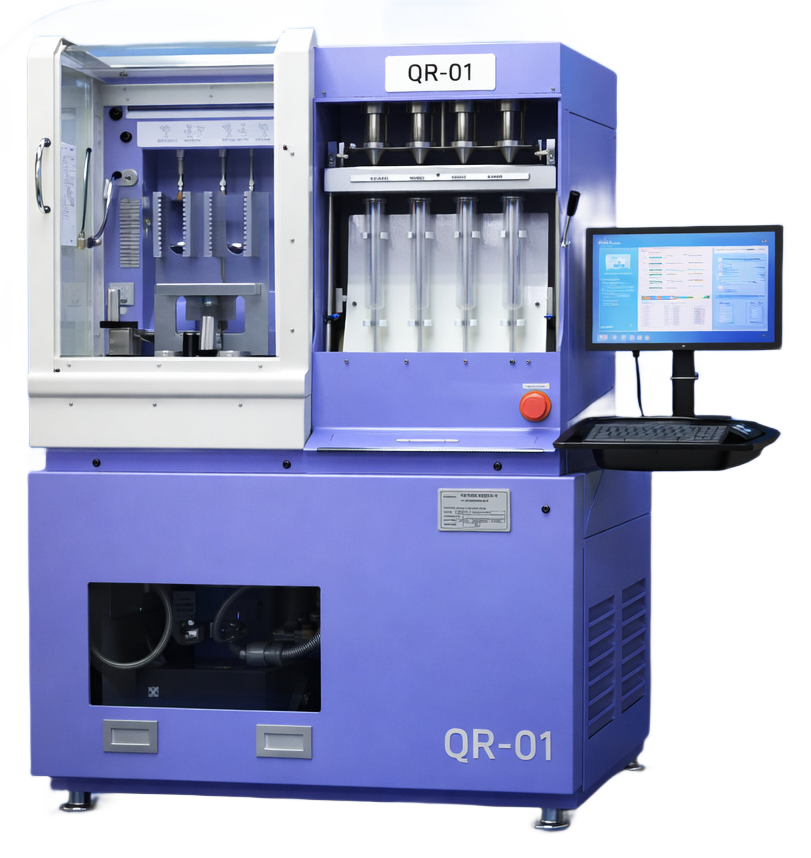
Primary catalog · Lane 01
denso-qr-01
Denso · QR · Lane 01
160 profiles
Primary catalog lane. Workflow families on this lane: DENSO_QR.
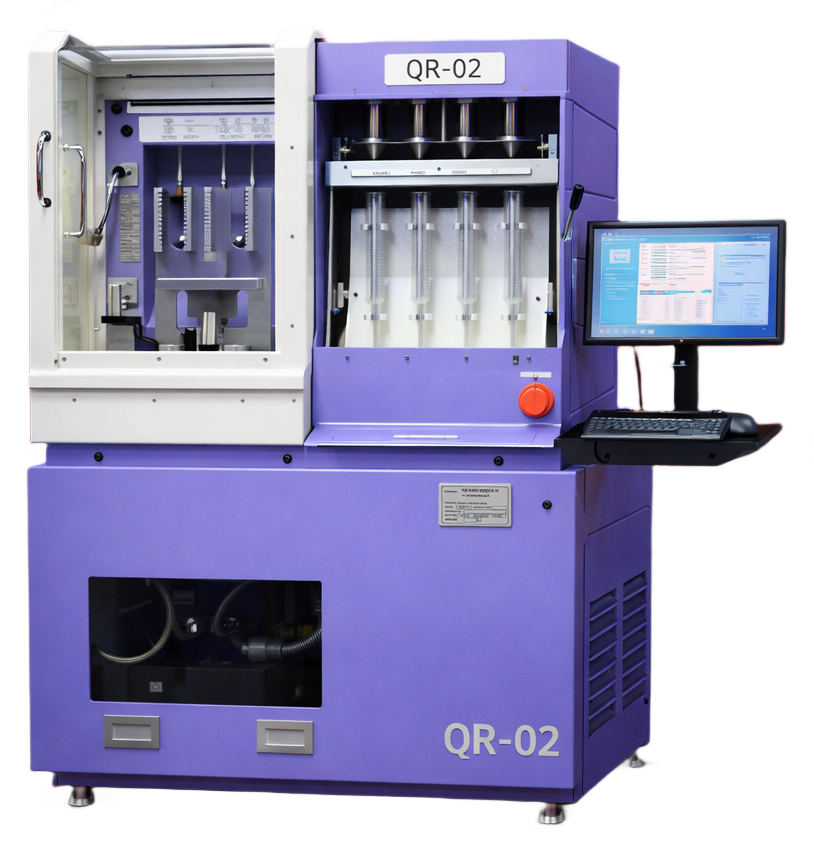
Extended catalog · Lane 02
denso-qr-02
Denso · QR · Lane 02
3,435 profiles
Extended catalog lane. Workflow families on this lane: IMA-7.
Part Search Terms
Use these part-number variants when searching this injector coding workflow across service tools and documentation.
295050-046#.295050046295 050 046
Operator Guidance
Profile-specific hint
Load Denso QR profile first, then decode or encode without changing the active profile.
Quality checks
- Part number on injector and selected profile must match exactly.
- Keep the same VM lane active from lookup to final output.
- Keep coding family unchanged from start to finish.
- Use validated measured values before final encode.
- Repeat verification when injector setup or bench conditions change.
Workflow
Follow this sequence without changing active profile or coding family mid-session.
Step 1
Create or reopen the matching VM
Start with denso-qr-01, denso-qr-02 so the correct lane and workflow stay attached to this profile from the beginning.
Step 2
Load this exact profile in bench
Select part 295050-046#. and confirm brand, lane, and coding family before entering values.
Step 3
Run decode or encode
Execute the coding action inside the same machine session and keep the active lane unchanged until the result is validated.
Step 4
Save and close session
Store the final output with the active VM trace so this operation remains auditable and repeatable.
OEM References
Normalized OEM references for this injector profile.
Brand and OEM names are shown for compatibility mapping and profile identification. Coding logic for this route is implemented in Injector Cloud in-house workflows.
23670-3040023670-3936523670-0L09023670-09350295050-018#295050-020#295050-052#
Applicable For
1 fitment rows from supplier catalog data.
| Make | Model | Year | Engine | Engine # |
|---|---|---|---|---|
| TOYOTA | IMV, PRADO, HiLux, Land Cruiser Prado | 13.12.2021 | 1KD-FTV, 2KD-FTV G3S33 ? |