

Profile Overview
Confirm the part number first, then use the matching machine and Bench workflow for Delphi EJDR00503Z.
Brand
Delphi
Part Number
EJDR00503Z
Coding Family
Delphi C2I/C3I/C4I
Injector Family
DELPHI
Recommended Machine
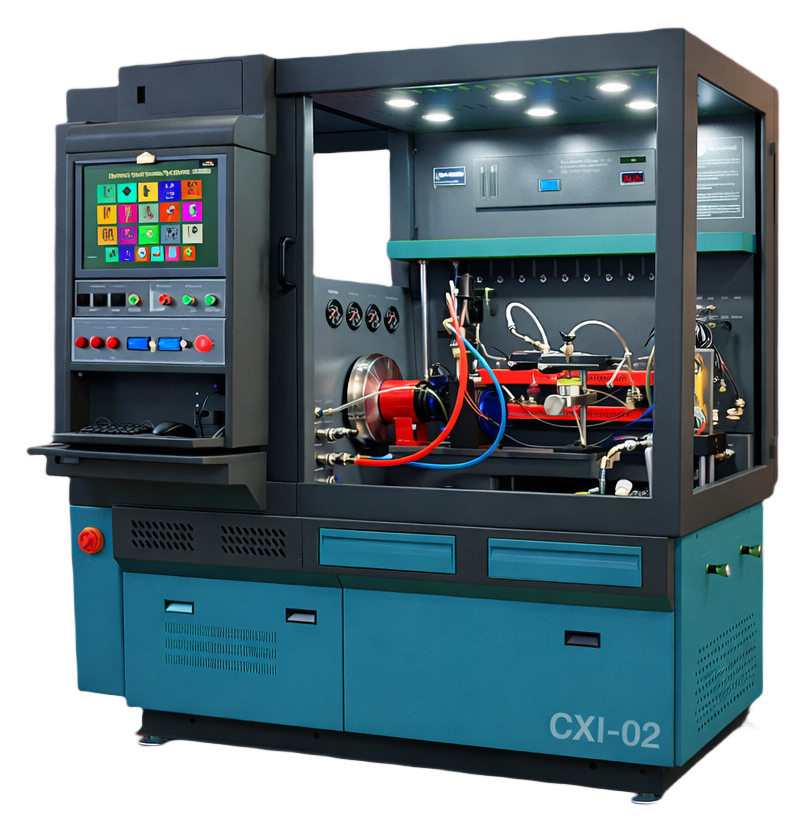
delphi-cxi-02
Recommended Machine
Create or reopen one of these machines for this injector profile.
Extended catalog · Lane 02
delphi-cxi-02
Delphi · CXI · Lane 02
163 profiles
Extended catalog lane. Workflow families on this lane: C2I.
Part Search Terms
Use these part-number variants when searching this injector coding workflow across service tools and documentation.
Coding Guidance
Profile-specific hint
Use the Delphi C2I/C3I/C4I workflow that matches this profile.
Quality checks
- Part number on injector and selected profile must match exactly.
- Use one matching VM for the whole job.
- Keep the coding family unchanged from start to finish.
- Use validated measured values before final encode.
- Repeat verification when injector setup or bench conditions change.
Workflow
Follow this short sequence for this injector part.
Step 1
Create one matching VM
Start with delphi-cxi-02. Console will open with the right injector machine selected.
Step 2
Open Bench
Select part EJDR00503Z and confirm the brand and coding family before entering values.
Step 3
Run decode or encode
Run the coding action and review the result before using it on the vehicle.
Step 4
Save the result
Keep the final code and part context with the job record.