

Profile Overview
Confirm the part number first, then use the matching machine and Bench workflow for Cummins MTU 2000.
Brand
Cummins
Part Number
MTU 2000
Part (Compact)
MTU2000
Coding Family
Cummins IMA / ISA
Injector Family
CUMMINS
Recommended Machine
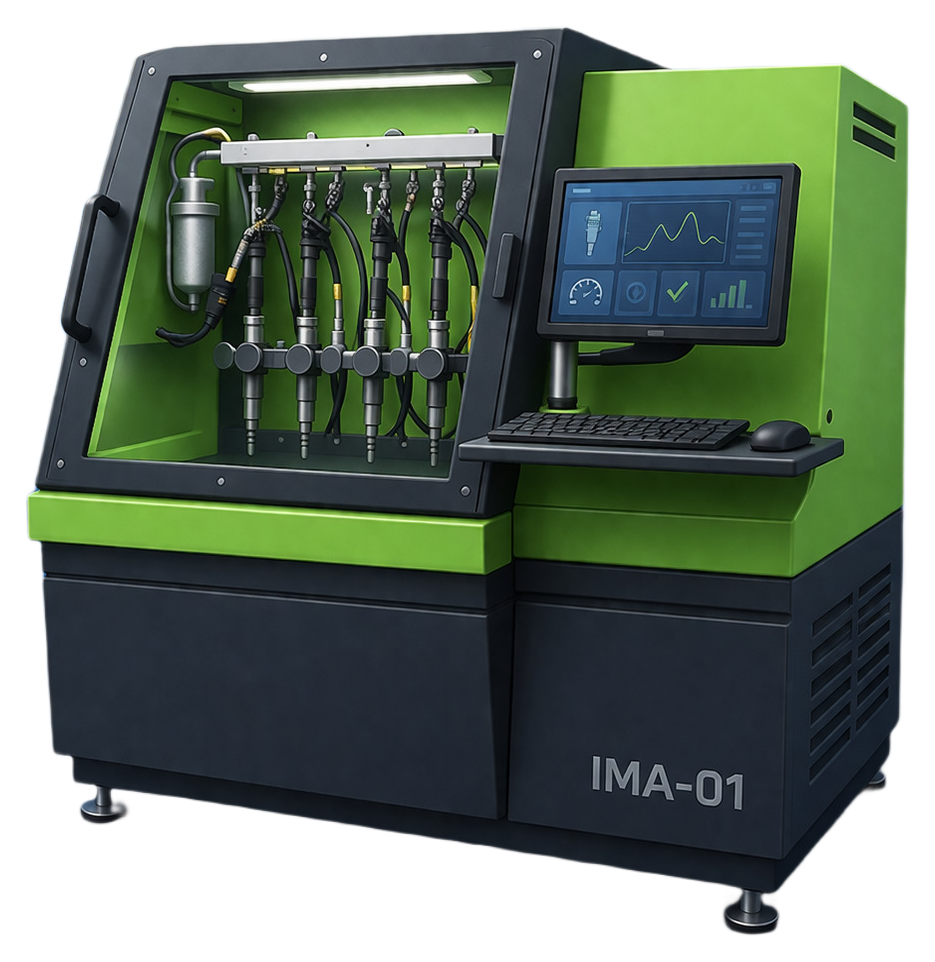
cummins-ima-01
Recommended Machine
Create or reopen one of these machines for this injector profile.
Extended catalog · Lane 01
cummins-ima-01
Cummins · IMA / ISA · Lane 01
34 profiles
Extended catalog lane. Workflow families on this lane: IMA-7.
Part Search Terms
Use these part-number variants when searching this injector coding workflow across service tools and documentation.
Coding Guidance
Profile-specific hint
Use the Bosch CRI workflow for this exact part number.
Quality checks
- Part number on injector and selected profile must match exactly.
- Use one matching VM for the whole job.
- Keep the coding family unchanged from start to finish.
- Use validated measured values before final encode.
- Repeat verification when injector setup or bench conditions change.
Workflow
Follow this short sequence for this injector part.
Step 1
Create one matching VM
Start with cummins-ima-01. Console will open with the right injector machine selected.
Step 2
Open Bench
Select part MTU 2000 and confirm the brand and coding family before entering values.
Step 3
Run decode or encode
Run the coding action and review the result before using it on the vehicle.
Step 4
Save the result
Keep the final code and part context with the job record.