
Run
Create VMConnect a wallet, choose a machine, and create a virtual machine in the console.Bench workspaceOpen the injector coding workspace after you install a machine in Console.Diesel injector codingCoding and calibration workflows across live injector families.

Documentation
Documentation
Last reviewed:
Profile Overview
Confirm identity first, then run workflow in one continuous session context. This route is intended to be the primary workflow reference for Bosch 0 445 110 168 operations.
Brand
Bosch
Part Number
0 445 110 168
Part (Compact)
0445110168
Coding Family
Bosch IMA / ISA
Injector Family
BOSCH_CRI
Recommended VMs
bosch-ima-01, bosch-ima-02
VOC Weight
1.5
Recommended Virtual Test Benches
Use one of these virtual machines for coding this injector profile.
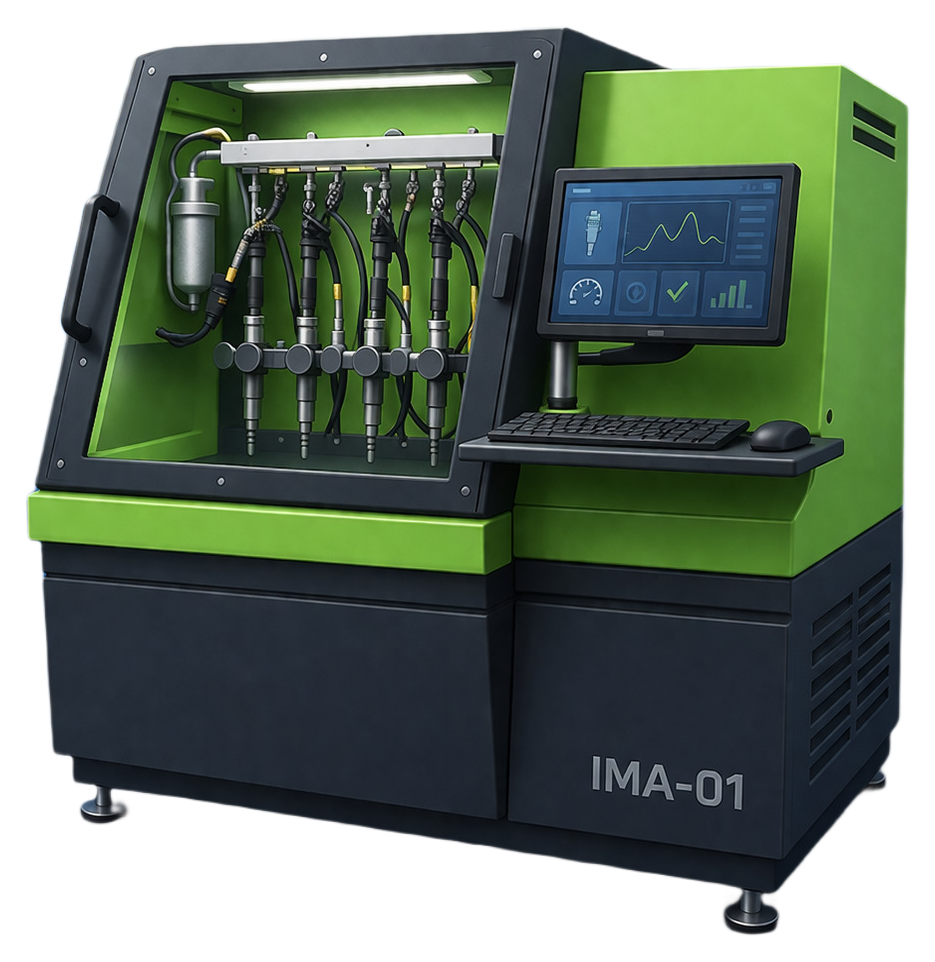
Primary catalog · Lane 01
bosch-ima-01
Bosch · IMA / ISA · Lane 01
897 profiles
Primary catalog lane. Workflow families on this lane: IMA.
Extended catalog · Lane 02
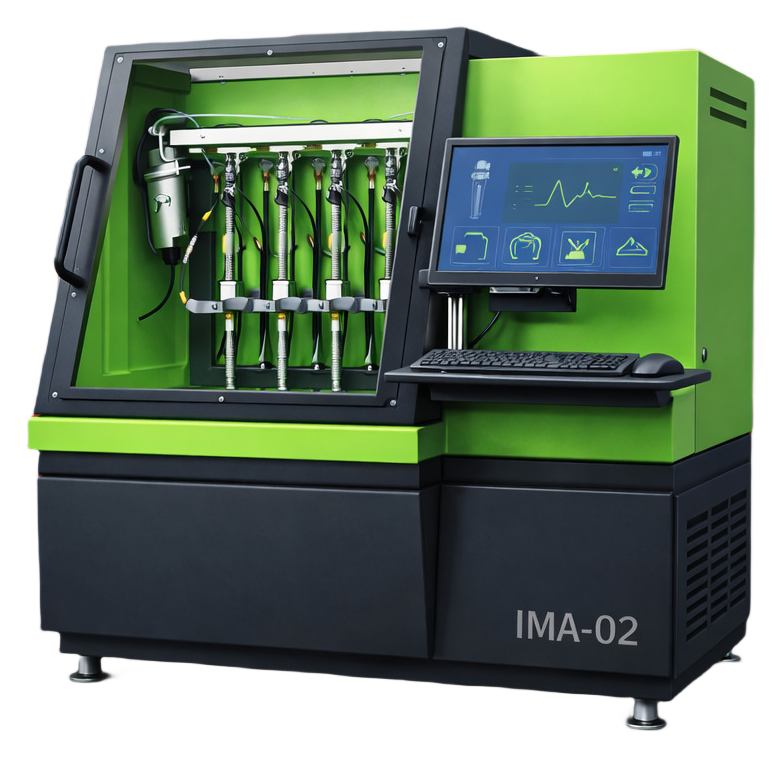
bosch-ima-02
Bosch · IMA / ISA · Lane 02
2,378 profiles
Extended catalog lane. Workflow families on this lane: IMA-7.
Part Search Terms
Use these part-number variants when searching this injector coding workflow across service tools and documentation.
0 445 110 1680445110168044 511 016 8
Operator Guidance
Profile-specific hint
Use Bosch CRI routines with this exact part. Keep profile selection locked from input to final result.
Quality checks
- Part number on injector and selected profile must match exactly.
- Keep the same VM lane active from lookup to final output.
- Keep coding family unchanged from start to finish.
- Use validated measured values before final encode.
- Repeat verification when injector setup or bench conditions change.
Workflow
Follow this sequence without changing active profile or coding family mid-session.
Step 1
Create or reopen the matching VM
Start with bosch-ima-01, bosch-ima-02 so the correct lane and workflow stay attached to this profile from the beginning.
Step 2
Load this exact profile in bench
Select part 0 445 110 168 and confirm brand, lane, and coding family before entering values.
Step 3
Run decode or encode
Execute the coding action inside the same machine session and keep the active lane unchanged until the result is validated.
Step 4
Save and close session
Store the final output with the active VM trace so this operation remains auditable and repeatable.
Applicable For
6 fitment rows from supplier catalog data.
| Make | Model | Year | Engine | Engine # |
|---|---|---|---|---|
| RENAULT | Mascott 120 | 05/2004 - 05/2007 | 3.0L 85kW | DXi 3-120 ZD3 600 |
| RENAULT | Mascott 120 | 05/2004 - 05/2007 | 3L 85kW | DXi 3-120 ZD3 600 |
| RENAULT | Master II 3.0 dCi 14 | 10/2003 - 10/2006 | 3.0L 100kW | ZD3 200 |
| RENAULT | Master II 3.0 dCi 14 | 10/2003 - 10/2006 | 3.0L 100kW | ZD3 202 |
| RENAULT | Master II 3.0 dCi 14 | 10/2003 - 10/2006 | 3L 100kW | ZD3 200 |
| RENAULT | Master II 3.0 dCi 14 | 10/2003 - 10/2006 | 3L 100kW | ZD3 202 |